Home / App
Typer App: Android, iPhone and Mobile
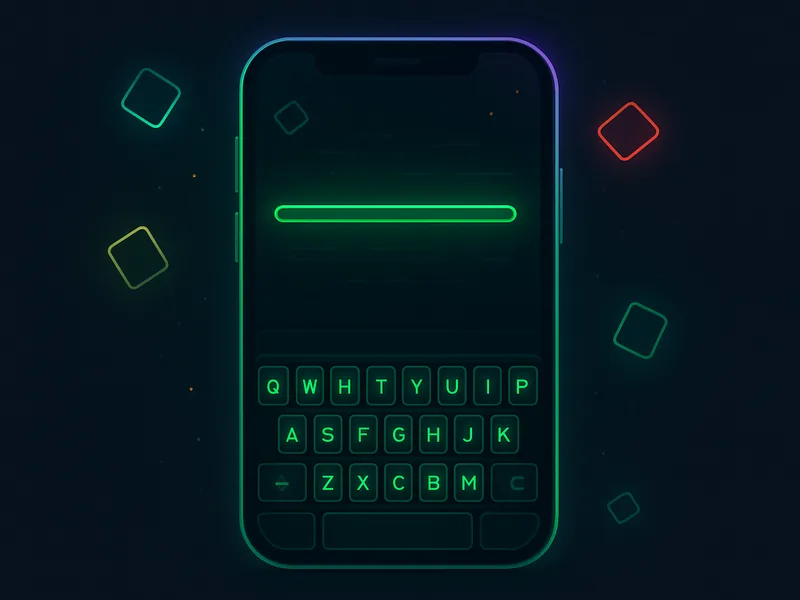
Is there a Typer app?
There is no standalone Typer app. Nothing needs to be downloaded from an app store, and no separate file is needed on your phone. The game runs in the browser, built on HTML5 and JavaScript, and it is fully responsive, so the layout adjusts to the size of the screen.
That answer applies to a typer android search and to a typer iphone search in the same way. On both kinds of phone, you open the game in the browser you already use. The typer mobile version is the same game as the one on a desktop, resized to fit.
If a site or an advert offers a file called Typer app, treat it with caution. We have no information about any official download, and a game that works in the browser gives you no reason to install anything.
How Typer plays on a phone
On a phone, Typer uses the virtual keyboard of the device. You tap the keys on the screen, and each correct character raises the multiplier just as it would on a physical keyboard. The same rules apply: a hidden bust chance on every key, and a bust that ends the round and loses the stake.
The phrase can be up to 50 characters long, which is a fair amount to tap out on a small screen. Random Words supplies real words of the length you need, and Preview lets you read the phrase first. Both options are useful on a phone, where a long invented phrase is easy to mistype.
Cash out is available once the first character has been typed correctly. On a phone this means reaching the button while your thumbs are busy with the keyboard, so give yourself a moment to learn the layout. The free demo is a low-cost way to do that.
Keyboard and screen tips
A mistyped key matters in this game, so the keyboard is the part of mobile play that deserves attention. Phones with autocorrect, predictive text or autocapitalisation can change what you type. If a correct-looking character is not accepted, check those settings in your phone.
Holding the phone in portrait or landscape both work in principle, because the page adapts to the screen. Some players find landscape easier, since the keyboard takes less of the height. Try both with the demo and keep the one that feels steady.
A stable connection helps too. A round can end in a moment, and a slow page makes the climb harder to follow. If your signal is weak, wait for a better one before you start a round with a real stake.
Casinos, stakes and phone play
Real play on a phone still happens at a casino that offers Typer, and you need an account there. Offers, terms and game availability depend on the country and the casino, so check the lobby on your phone as well as on a computer. The stake is shown in USD and paid in the coin you choose.
The minimum stake is about $0.10, and the maximum at the start of a round is roughly $100 to $500. These figures are approximate, and the game window shows the real limits. The listed RTP of Typer is 97% on all levels.
Small screens make it easy to play Typer for longer than planned. Set a time and a spending limit before you start, and take breaks. The responsible gambling page lists organisations that can help if play stops being a pastime.